The Ultimate Guide to Ergonomic Home Office Chairs
With remote work becoming permanent for many professionals, investing in an ergonomic office chair is no longer optional: it's essential for health, productivity, and comfort. This guide covers everything you need to know about selecting the perfect ergonomic chair for your home workspace.
Key Ergonomic Features
Lumbar Support: Look for adjustable lumbar support that conforms to your spine's natural curve. The best chairs have height and depth-adjustable lumbar pads that can be positioned exactly where you need support.
Seat Height and Depth: Your chair should allow your feet to rest flat on the floor with thighs parallel to the ground. Seat depth should support your legs without pressure behind your knees. Pneumatic height adjustment is standard; look for 4-5 inches of range.
Armrest Adjustability: 4D armrests (adjusting up/down, forward/back, width, and angle) are ideal. Your arms should rest comfortably at 90-degree angles without shoulder hunching or strain.
Recline and Tilt: A adjustable recline mechanism with tension control lets you rock back comfortably. Look for 90-120 degree recline range with lock positions. Synchro-tilt mechanisms move seat and back in a healthy ratio.
Material Considerations
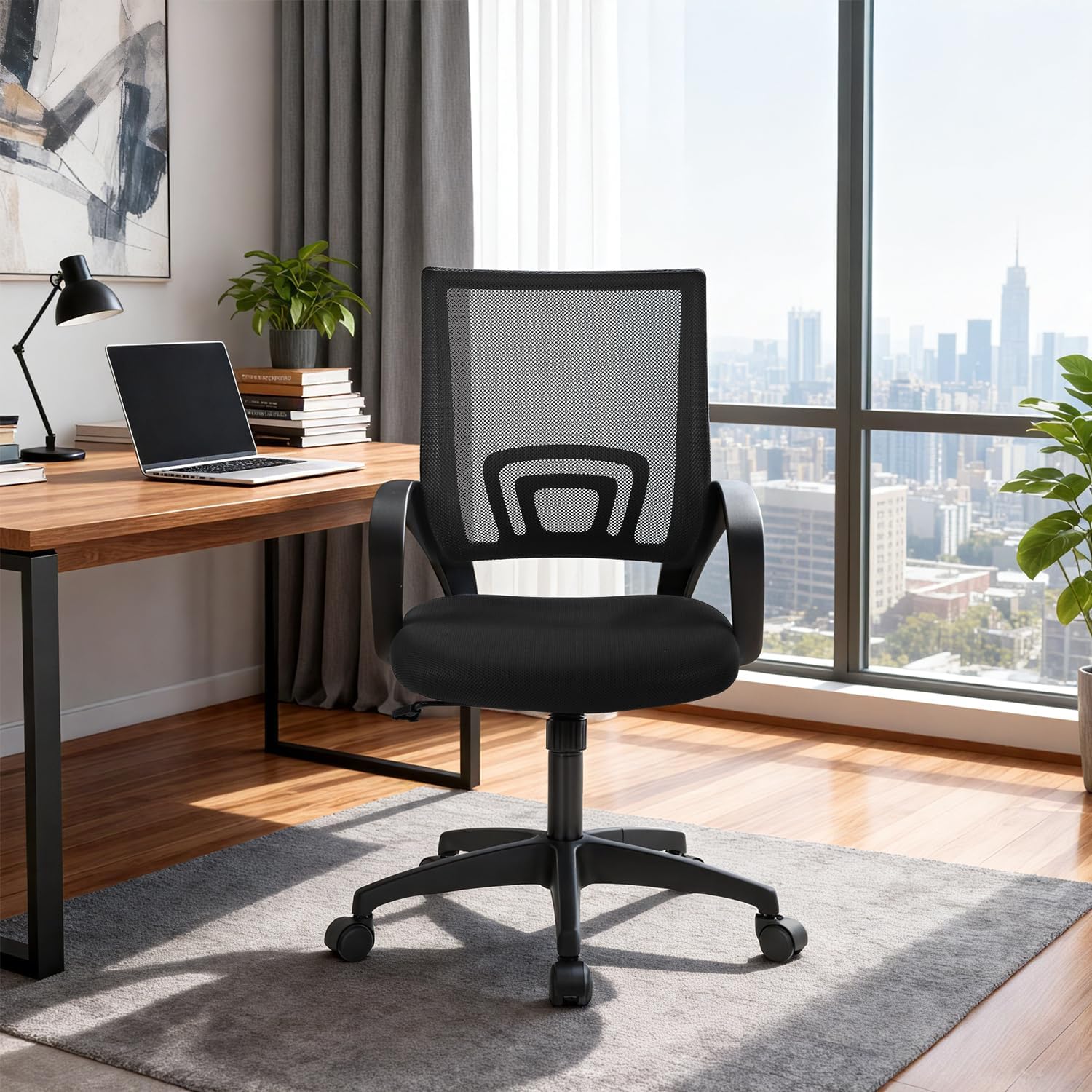
Mesh Backs: Breathable and cooling, perfect for long hours. High-quality mesh maintains support without sagging. Lower maintenance than upholstered chairs.
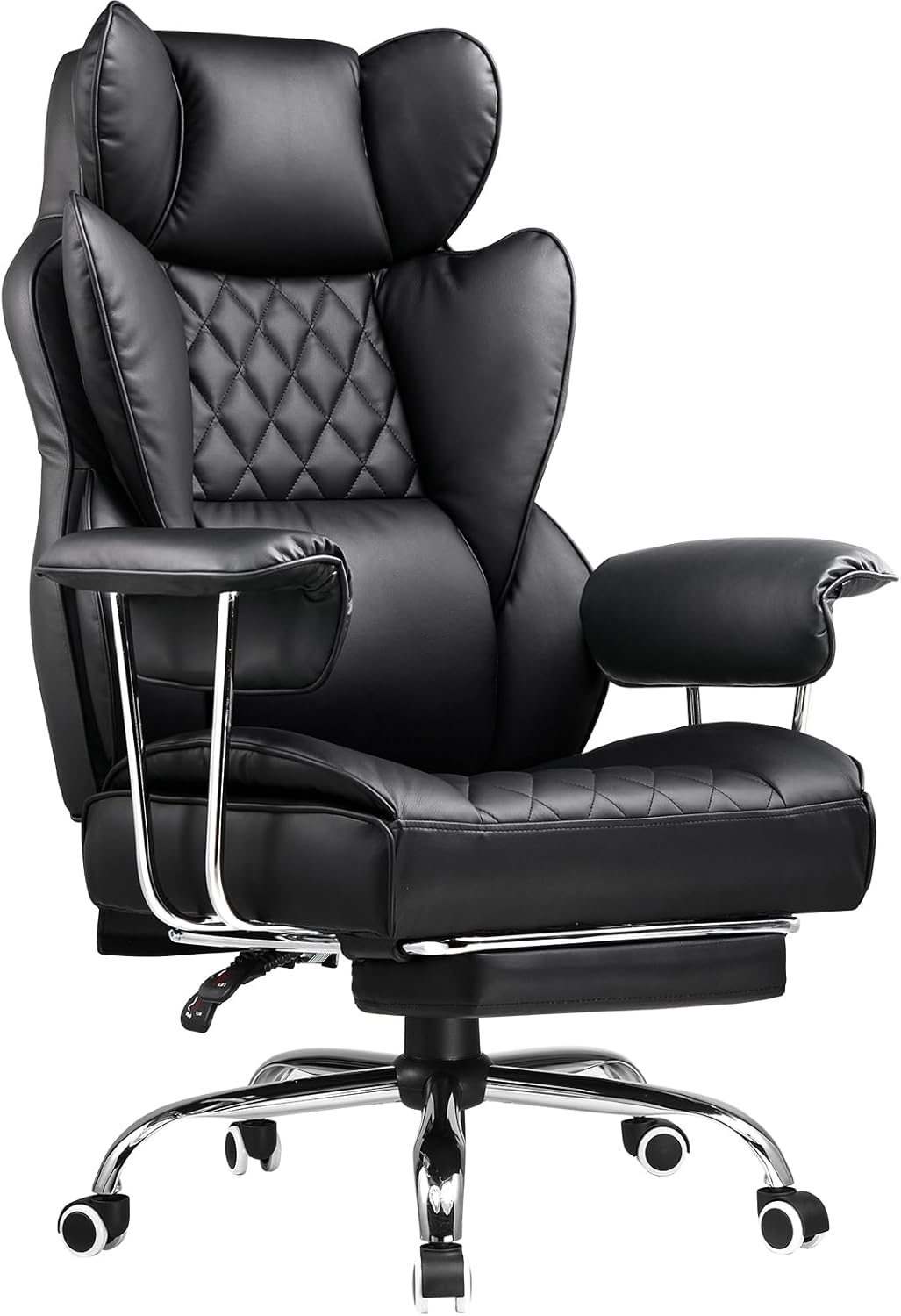
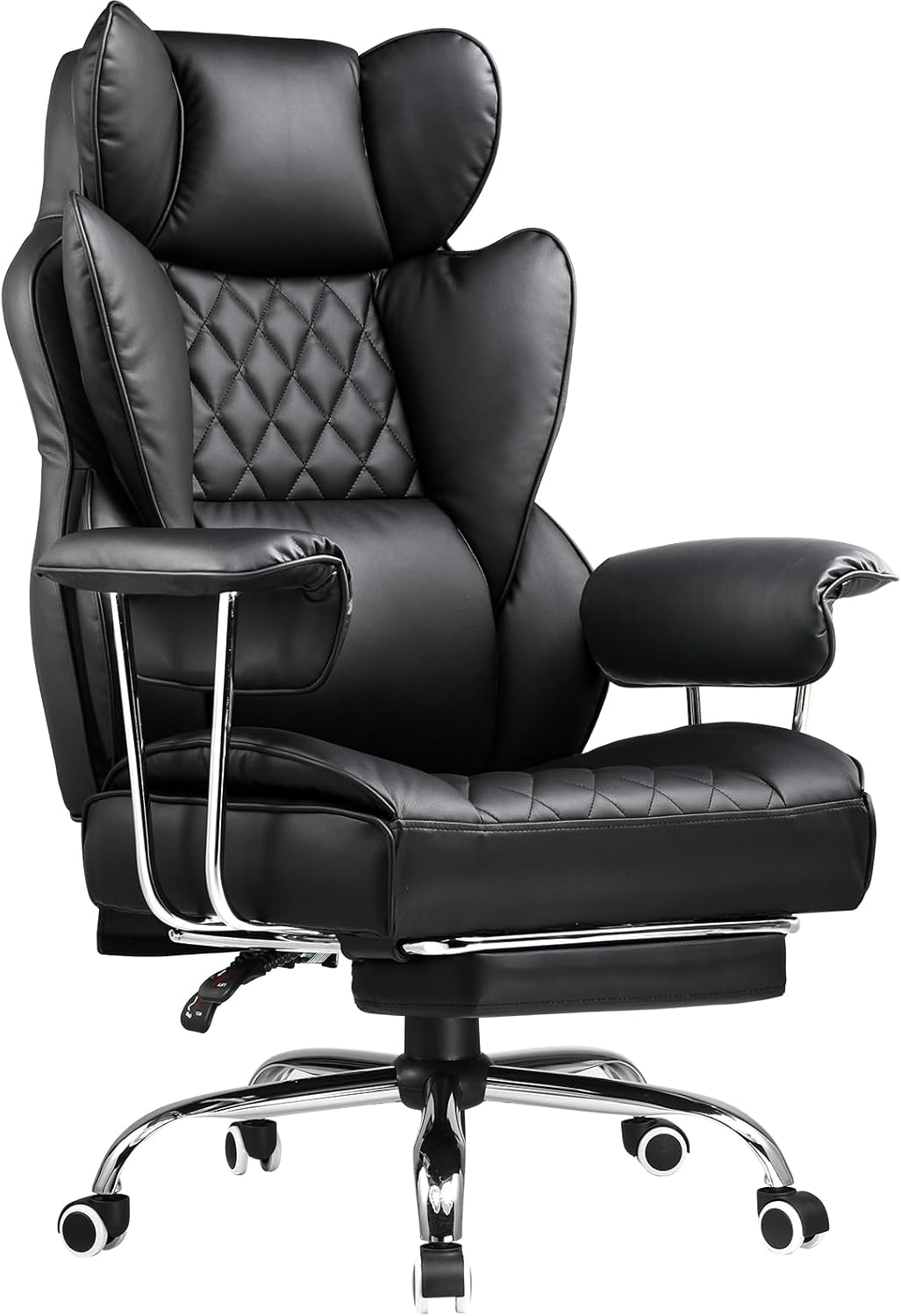
Leather or Faux Leather: Luxurious appearance, easy to clean, professional look. Can get warm during extended sitting. Genuine leather develops patina over time.
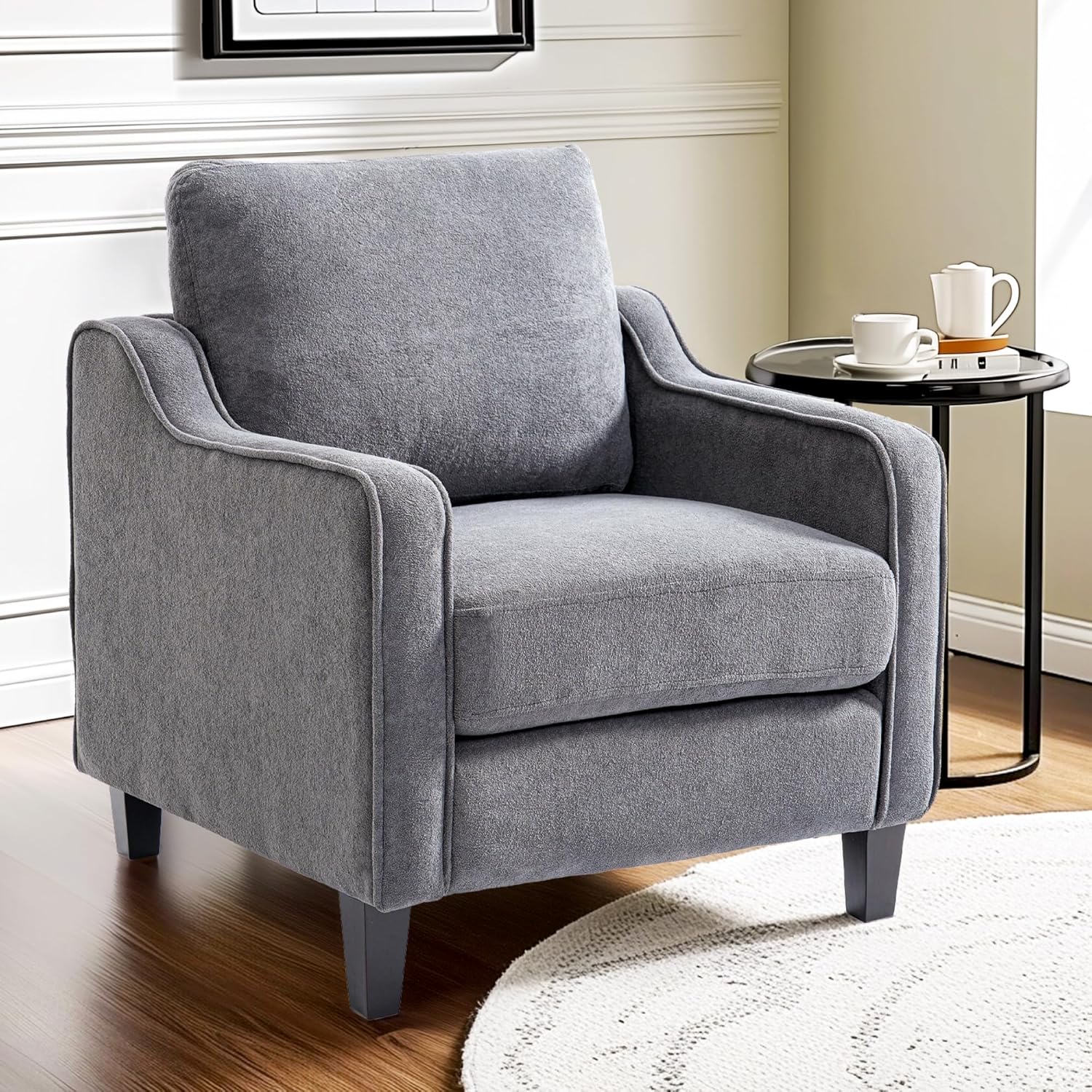
Fabric Upholstery: Soft, warm, available in many colors. Requires more maintenance to prevent staining. Good middle-ground between mesh and leather.
Size and Weight Capacity
Check the chair's weight capacity (typically 250-300 lbs for standard, up to 400+ for heavy-duty models). Consider seat dimensions: standard is 20" wide by 19-20" deep. Petite users may need smaller chairs; larger individuals should seek wide-seat models.
Top Features in 2026
Modern ergonomic chairs now include:
- Breathable mesh with zone-specific support
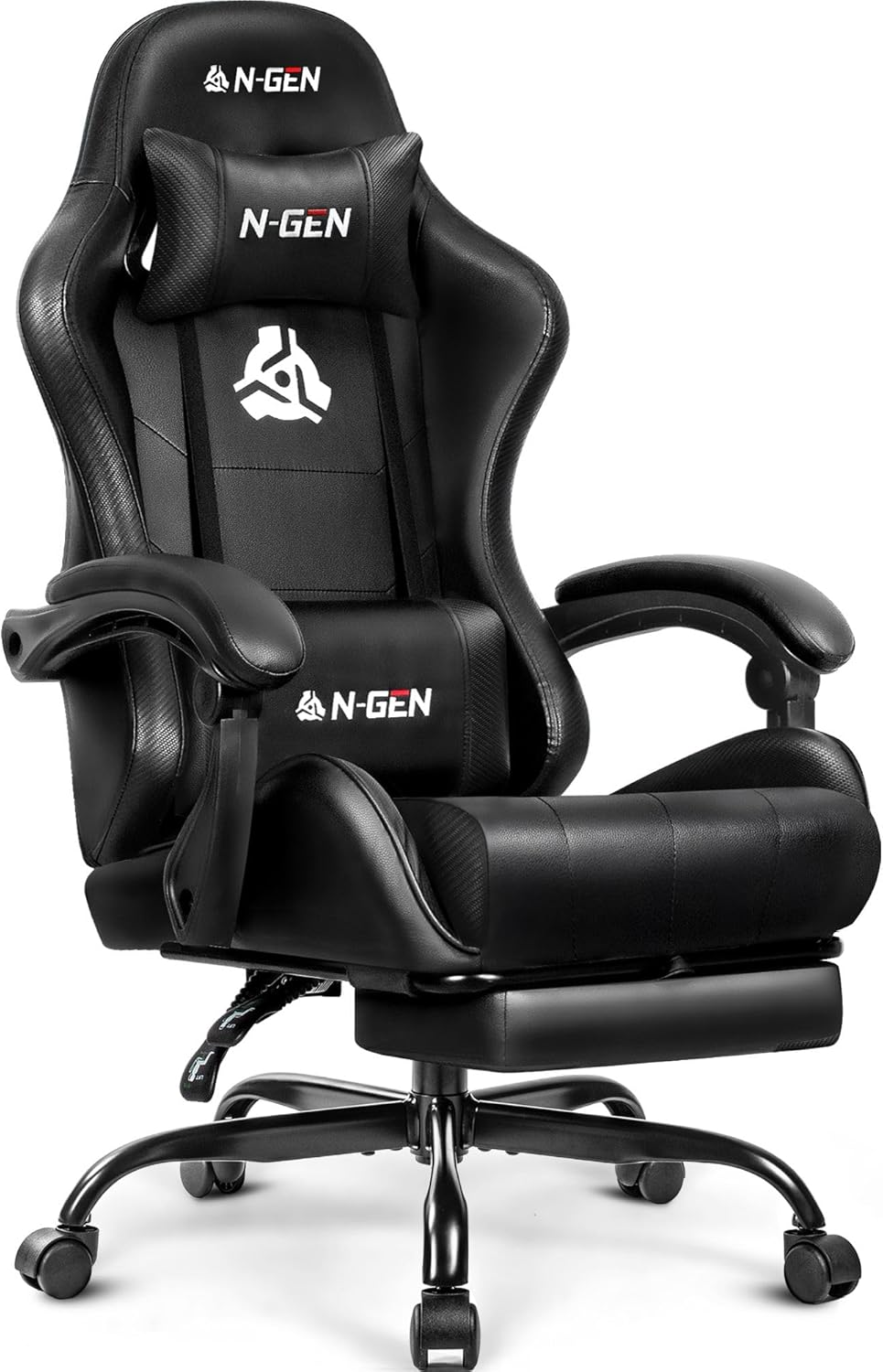
- Adjustable headrests for neck support
- Forward-tilt options for active sitting
- Quiet casters that don't mark floors
- Integrated posture coaching (in high-end models)
- Foot rings for elevated desk use
Aesthetics for Home Offices
Unlike corporate offices, home workspaces need chairs that complement residential decor. Look for:
- Refined finishes (polished aluminum, wood accents)
- Design-forward silhouettes that don't scream "office"
- Color options beyond basic black
- Compact footprints for smaller spaces
Budget Considerations
Quality ergonomic chairs range from $300-$2,000+:
- $300-$600: Entry-level ergonomics with basic adjustments
- $600-$1,200: Mid-range with comprehensive adjustability
- $1,200-$2,000+: Premium brands with advanced features and designer aesthetics
Consider this an investment in your health. If you work 8 hours daily, a $1,000 chair costs about $0.50 per workday over 5 years: a bargain for preventing back pain.
Testing Before Buying
If possible, sit in chairs for at least 15 minutes before purchasing. Check:
- Can you easily reach all adjustment controls?
- Does the lumbar support hit the right spot?
- Are armrests at comfortable height?
- Can you rock back without feeling unstable?
- Is the seat cushion comfortable for extended sitting?
Maintenance and Longevity
Quality ergonomic chairs last 7-10 years with proper care. Look for warranties of 5+ years covering frame, mechanisms, and pneumatics. Manufacturers confident in their products offer robust warranties.
Regular maintenance includes:
- Cleaning upholstery monthly
- Tightening bolts semi-annually
- Lubricating moving parts yearly
- Inspecting casters and base for wear
Your office chair is where you'll spend 2,000+ hours annually. Choosing an ergonomic model with the right features prevents pain, fatigue, and long-term health issues while creating a workspace you'll love using every day.